






News
Harrier 4.2 – New Capabilities
16th April 2026 HarrierMessagingMilitaryMilitary MessagingProduct Announcement
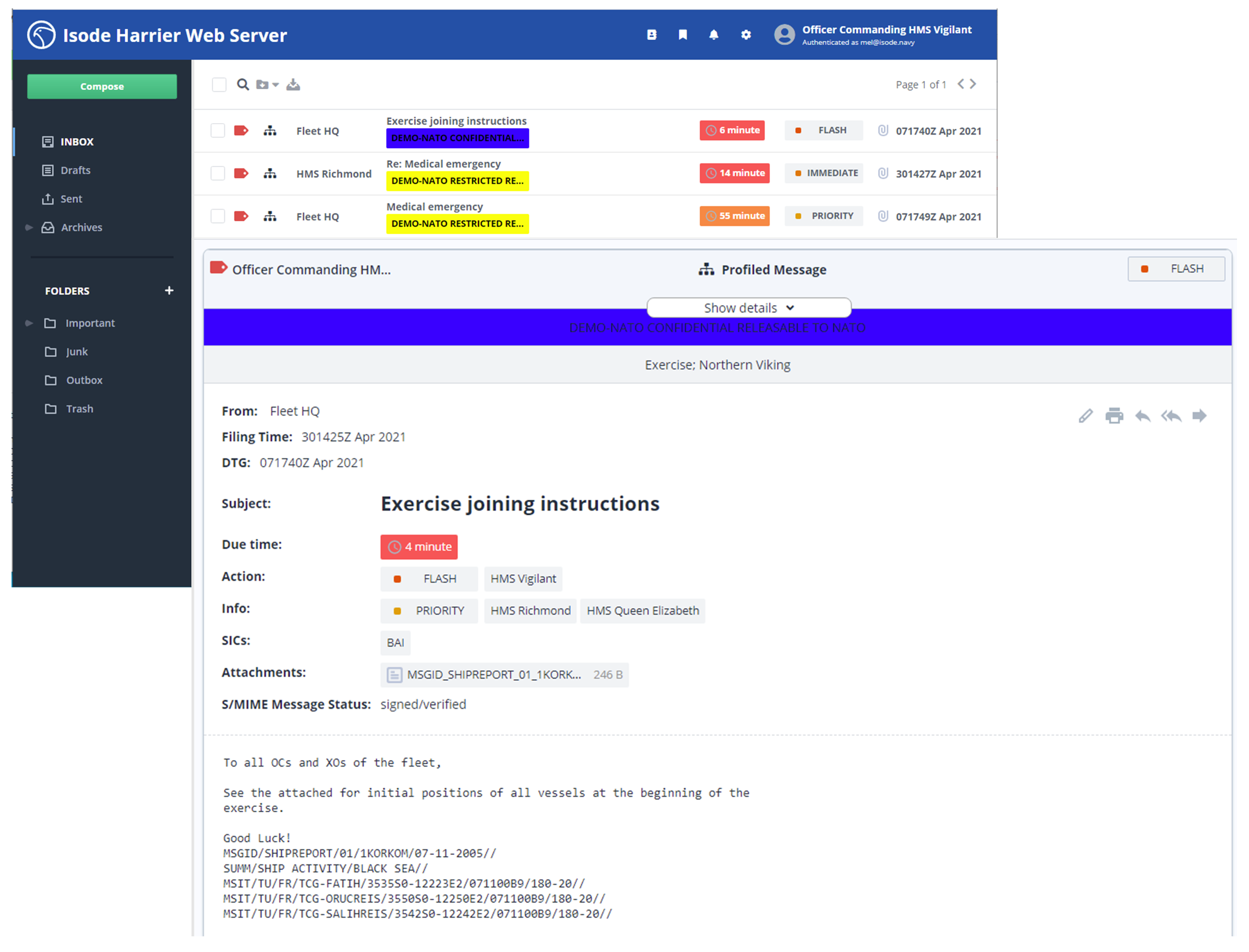
Harrier is our Military Messaging client. It provides a modern, secure web UI that supports SMTP, STANAG 4406 and ACP 127. Harrier allows authorised users to access role-based mailboxes and respond as a role within an organisation rather than as an individual.
You can find out more about Harrier here.
Composing messages to Military Address Lists
Harrier 4.2 provides new capabilities when sending messages to military address lists. First, when addresses are selected, the selection choice indicates if an address is an organization (profiled address) or a list, as shown below.

A list can be selected, as shown below, to show the members of the list. If a list has a mix of action and info members, this is shown.

List members can be deselected, and the deselected address is added to the Exempted list, as shown below.

Mailboxes with messages to multiple organizations
Harrier allows a role to compose messages from multiple organizations, with the list of valid organizations specified for each role. Messages delivered to a role mailbox may be for multiple organizations.
Harrier 4.2 adds an optional filter box to the top screen, so that the mailbox can show all messages or only messages for a selected organization.

MTF UI Improvements
Harrier supports MTF (Message Text Formats) and typically complies with ADATP-3. Earlier versions of Harrier modelled MTFs as attachments in the UI. Although architecturally clean, the resulting user experience proved sub-optimal. Harrier 4.2 UI models an MTF as a special message type that contains only a single MTF.
When composing a message, the user is presented with options to attach an MTF or a general attachment.

Once an MTF is provided, either from a file or using the IRIS Forms UI, it appears as shown below.

Note that the form can be edited manually, and options to add an attachment or another MTF are not provided, as this message is now treated as an MTF.
The scan listing and message display both show clearly when a message is an MTF, as shown below.


Miscellaneous Features
Several smaller changes have been made to Harrier 4.2.
-
Option to use the email terms (to and cc) instead of the military terms (action and info)
-
Option to not provide MTF handling.
-
Ability to view the cancelled message as a link from message cancellation.
-
Option to prevent message sending unless Action and Subject are set and the body is not empty.
-
Option in re-addressing to allow change of security label. This allows an operator to modify the security label when re-addressing a message (for example, to a cross-domain recipient needing a different security label).
-
Provide a search using DTG.
-
Easy switching of roles.
-
Option to select format for display of DTG and other date/time fields.
-
Constrain the type of files that can be attached to a configurable list.